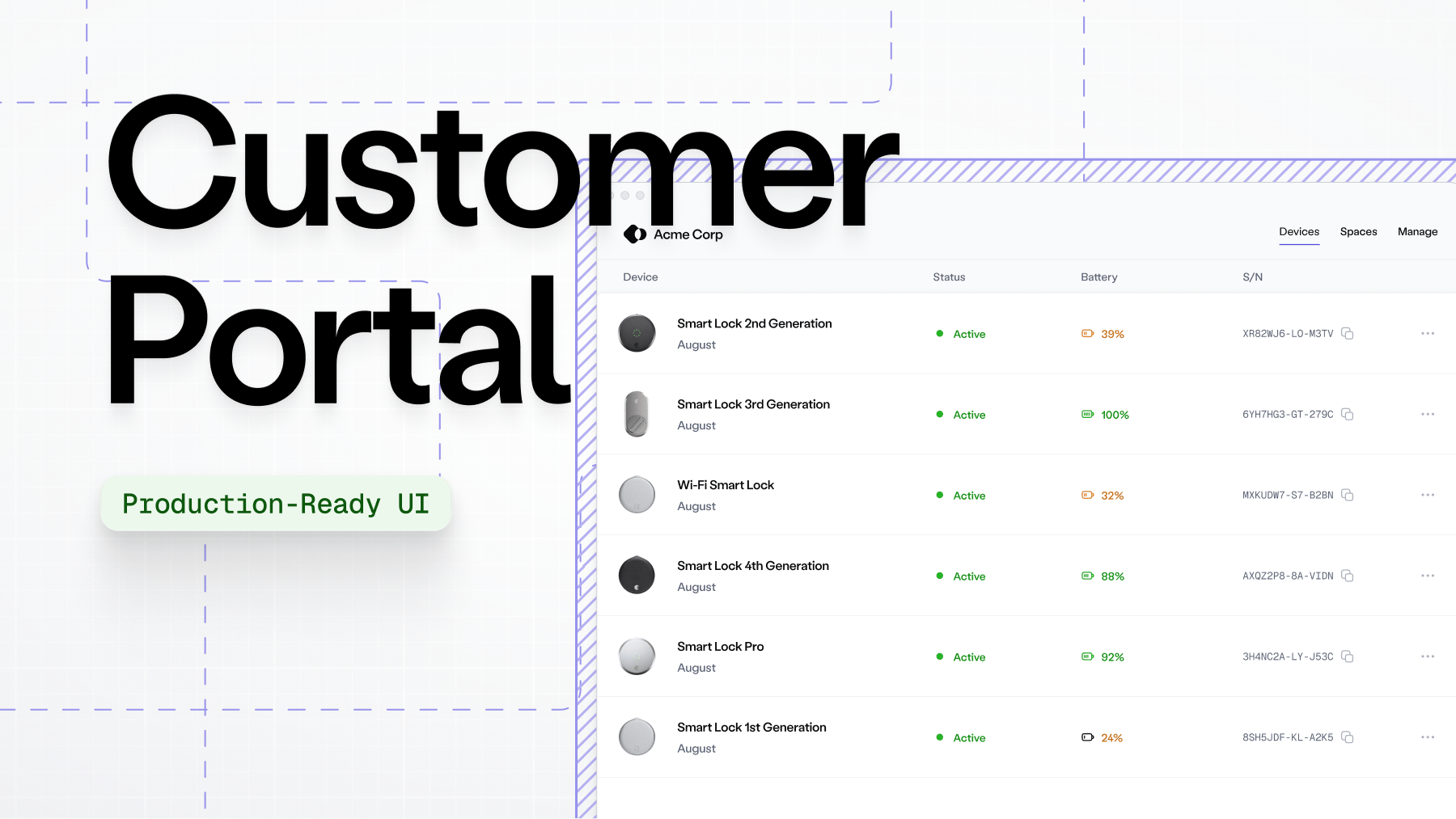
# Customer Portals

<figure><img src="https://2727122207-files.gitbook.io/~/files/v0/b/gitbook-x-prod.appspot.com/o/spaces%2FxnN2A67918om1UthYWsF%2Fuploads%2Foi95xAS3Nt3e4tQd0KHL%2Fnew-doc-cover.png?alt=media&#x26;token=0934405a-b59b-465f-8abf-a86a7e264461" alt=""><figcaption></figcaption></figure>

Provide self-service functions to your customers by setting up a customer portal. You can configure it entirely in the Console, or use our API to automate generating the portal.

You can extend the portal experience with [Seam access and climate automations](https://docs.seam.co/latest/capability-guides/reservation-automations). When a customer books a stay, reserves a gym slot, or schedules a visit, automations automatically issue and revoke access or adjust climate settings. You create and manage them in the Console.

### Get started with the customer portal

<table data-view="cards"><thead><tr><th></th><th data-hidden data-card-target data-type="content-ref"></th><th data-hidden data-card-cover data-type="image">Cover image</th></tr></thead><tbody><tr><td><p><strong>Preview customer portal in Console</strong></p><p>Try out Customer Portals in the Console. Links here expire after 7 days.</p></td><td><a href="customer-portals/preview-the-customer-portal-in-console">preview-the-customer-portal-in-console</a></td><td><a href="https://2727122207-files.gitbook.io/~/files/v0/b/gitbook-x-prod.appspot.com/o/spaces%2FxnN2A67918om1UthYWsF%2Fuploads%2Fgit-blob-6305842253b423d5ac1c1666df3b3ffae3c65abc%2Fimage.png?alt=media">image.png</a></td></tr><tr><td><p><strong>Integrate customer portal into your application</strong></p><p>Generate Customer Portals programmatically for production use.</p></td><td><a href="customer-portals/integrate-customer-portal-into-your-application">integrate-customer-portal-into-your-application</a></td><td><a href="https://2727122207-files.gitbook.io/~/files/v0/b/gitbook-x-prod.appspot.com/o/spaces%2FxnN2A67918om1UthYWsF%2Fuploads%2Fgit-blob-626894307542fd800b30d97cef23eb40a0c3c012%2Fimage.png?alt=media">image.png</a></td></tr></tbody></table>

***

### Customer portal features

A customer portal allows your customers to self-manage connecting devices, manage their devices, and handle day-to-day management in one place.

<table><thead><tr><th width="206.46875">Feature</th><th>Description</th></tr></thead><tbody><tr><td>Customer management</td><td><p>Offer your customers a self-serve method to:<br><i class="fa-hyphen">:hyphen:</i> Connect existing smart lock, thermostat, or access control accounts<br><i class="fa-hyphen">:hyphen:</i> Organize devices to match their property structure<br><i class="fa-hyphen">:hyphen:</i> Manage and troubleshoot their devices</p><p><i class="fa-hyphen">:hyphen:</i> Control Access or Climate features that you’ve configured for them.</p></td></tr><tr><td>Interoperability</td><td>Works seamlessly with other Seam products, including Access and Climate.</td></tr><tr><td>Customized branding</td><td>Configure the portal with your branding, including your logo, colors, and business information.</td></tr><tr><td>Ephemeral sessions</td><td>Portal sessions are temporary. New portal sessions expire after 7 days period. They should be regenerated every time a customer needs to access the portal, whether from a new browser, a new device, or after the previous session has expired.</td></tr></tbody></table>

***
