

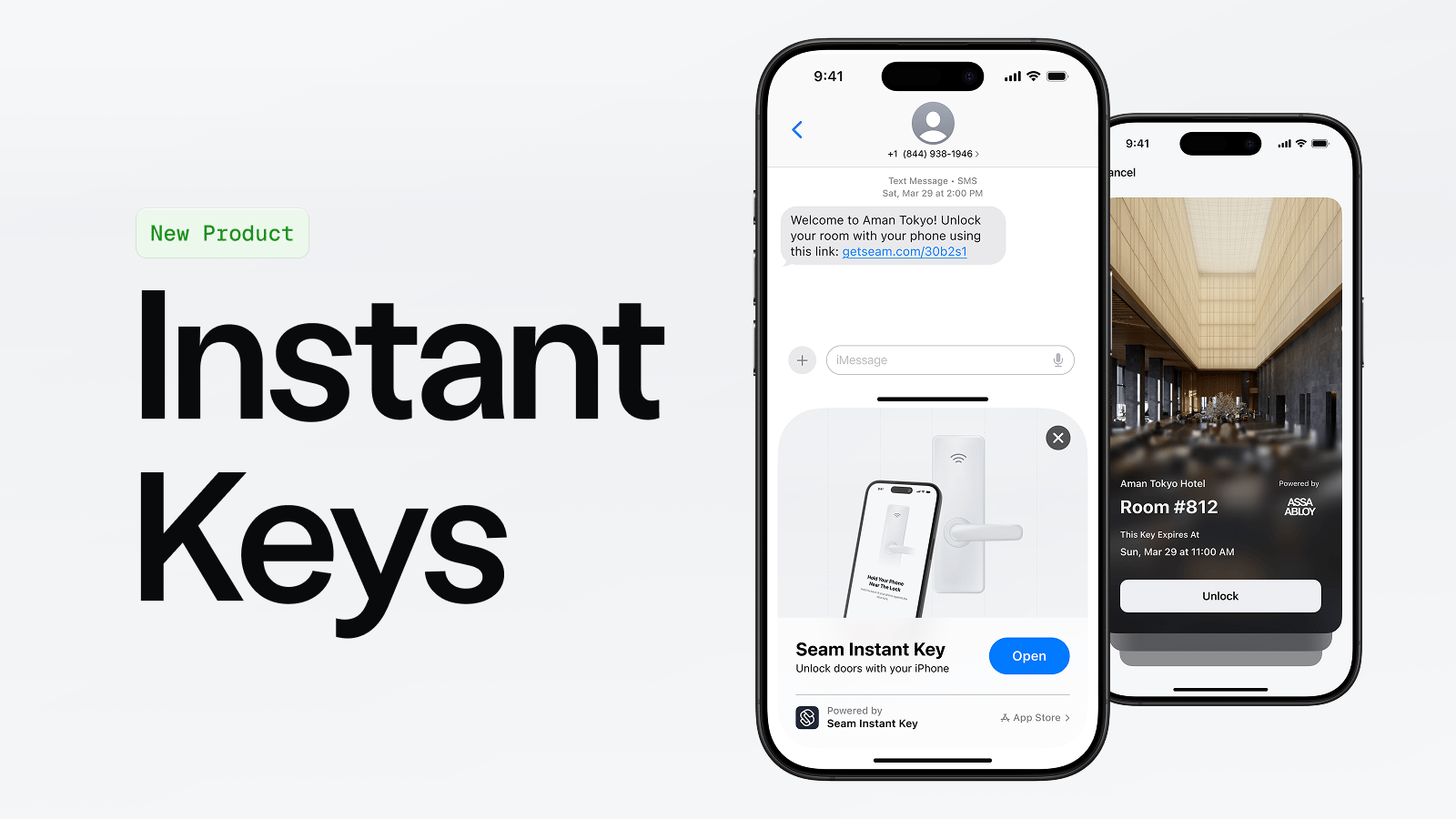
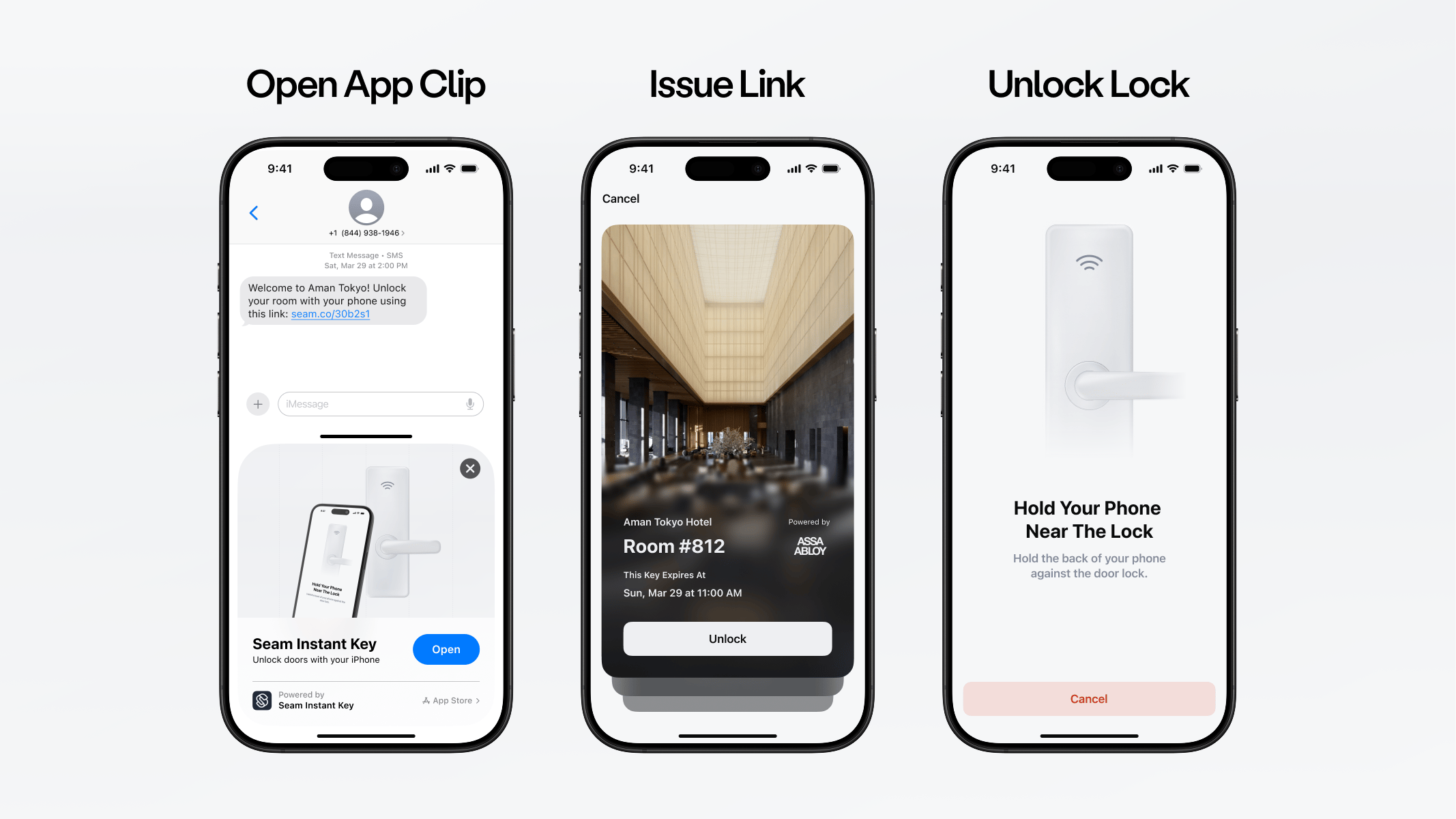
mobile_key access method, Seam automatically generates an Instant Key URL. Share this URL with your user through text, email, or your app. When they tap the link, they can unlock the door immediately — no app download required.
Instant Keys use iOS App Clips and Android Instant Apps to provide a native unlock experience without requiring your user to install anything.
- Guest access — Send a link to a short-term guest (hotel, vacation rental, coworking space).
- Backup access — Provide a fallback unlock method alongside a native mobile key in your app.
- Quick onboarding — Let users unlock immediately while they set up your full mobile app.
- Offline environments — Instant Keys use Bluetooth, so they keep working in areas with poor cellular or Wi-Fi coverage, like elevator banks or concrete-walled hallways.
Example Use Cases
Hotel Guests
Delight hotel guests with a smooth, modern check-in—no lines and no kiosks. Send keys directly to guests once their reservation is confirmed or check-in is completed.- Compatible with major hotel access control systems.
- Works alongside plastic key cards.
- Great for both full-service hotels and contactless check-in setups.
- Keys can be sent automatically after check-in using text or email.
- Works across hotel room and common area doors.
Self-Touring
Enable potential renters, buyers, and customers to access spaces without needing an on-site agent. With a tap, they can unlock the front door, tour the space, and leave when ready.- Share secure access links for scheduled visits.
- Great for real estate, rentals, and coworking tours.
Before You Begin
To use Instant Keys, you need:- A Seam API key
- A connected ACS with BLE-capable lock hardware that supports mobile keys
- Mobile key licenses activated for your ACS (see Setting Up Your Site for Instant Keys)
- A user identity representing the person who will receive the Instant Key
- An entrance that supports mobile keys (
can_unlock_with_mobile_keyistrue)
Instant Keys are generated automatically when you create a mobile key access
method. You do not need to request them separately.
Step 1: Create an Access Grant with a Mobile Key
Create an Access Grant specifyingmobile_key as the requested access method mode. The response includes an instant_key_url on the Access Grant itself — you can share it immediately without waiting for the access method to be issued.
Step 2: Share the Instant Key URL
Once the access method is created, list the access methods for the Access Grant to get theinstant_key_url.
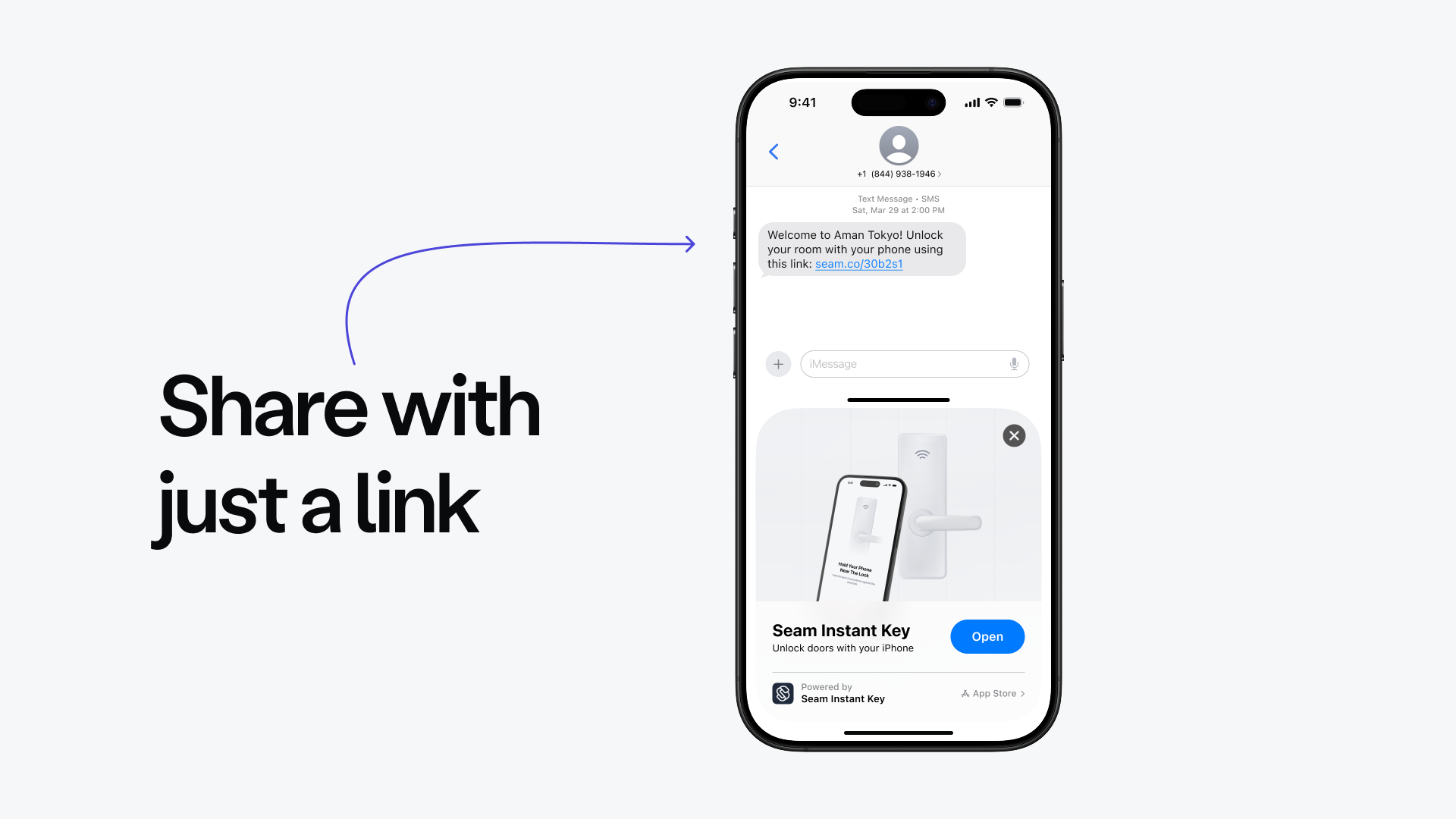
Deliver the instant_key_url to your user. Common delivery methods include:
- Text message (SMS) — Send the URL directly to your user’s phone. Works well if you already collect the guest’s phone number at booking.
- Email — Include the URL in a welcome or check-in email.
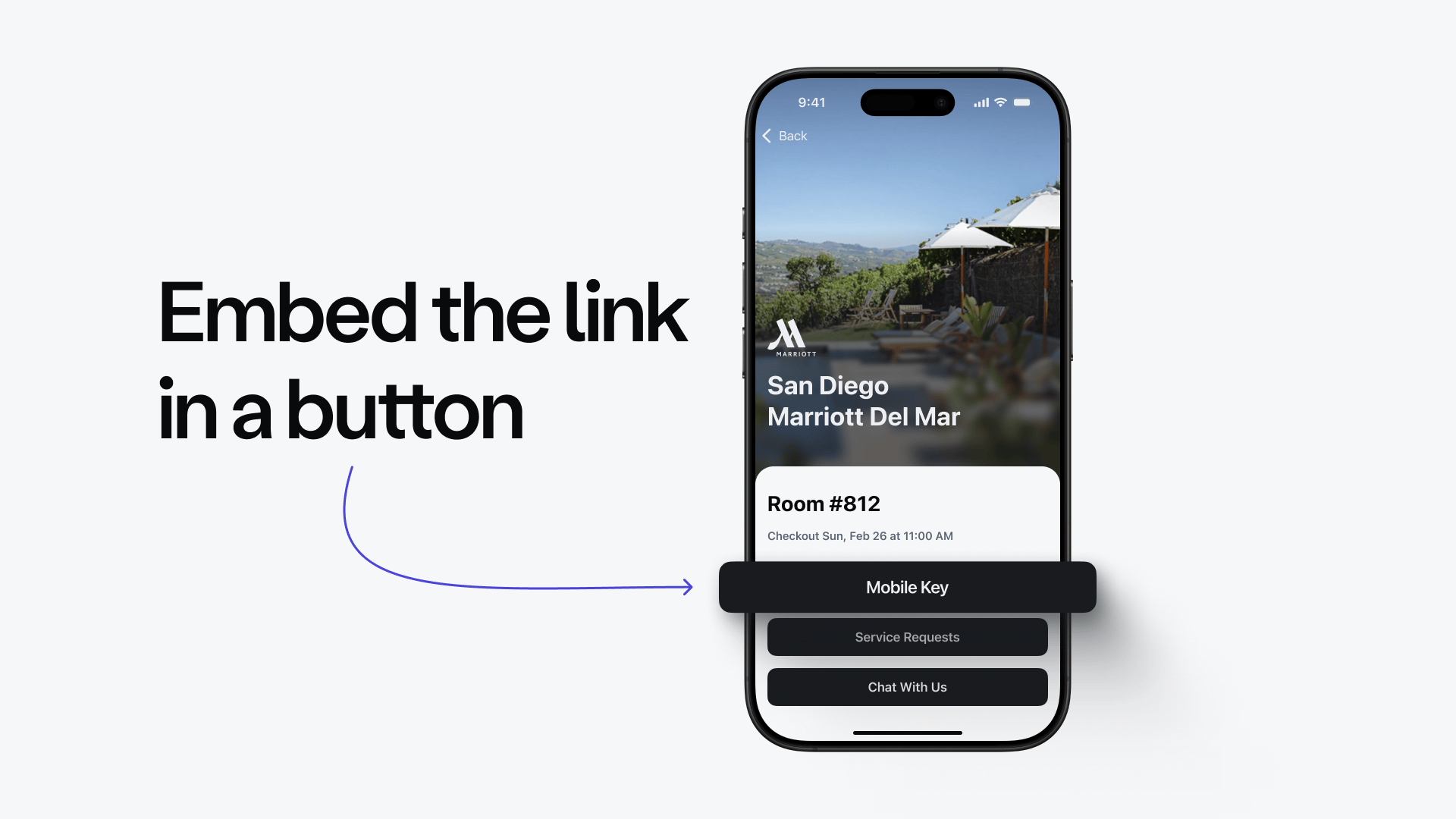
- In-app link — Embed the URL in your web or mobile app.
- QR code — Generate a QR code from the URL for physical signage.
client_session_id to look up the client session token, then pass it to the Seam mobile SDK to initialize your user’s mobile app. For the complete mobile SDK integration guide, see Mobile Access.
Step 3: See Which Doors an Access Method Covers
An access method can cover multiple doors — for example, if the Access Grant includes several entrances or spaces. To see which doors an Instant Key unlocks, call/access_methods/get_related with the underlying mobile key’s access method ID.
Next Steps
- How Instant Keys Work — Learn how Instant Keys are tied to a user identity and how they resolve credentials.
- Setting Up Your Site for Instant Keys — BLE hardware requirements and access-system licensing.
- Using Seam Console to Issue Instant Keys — Issue an Instant Key without writing code.
- Using Mobile Keys — Build a native mobile app experience with the Seam mobile SDKs.