


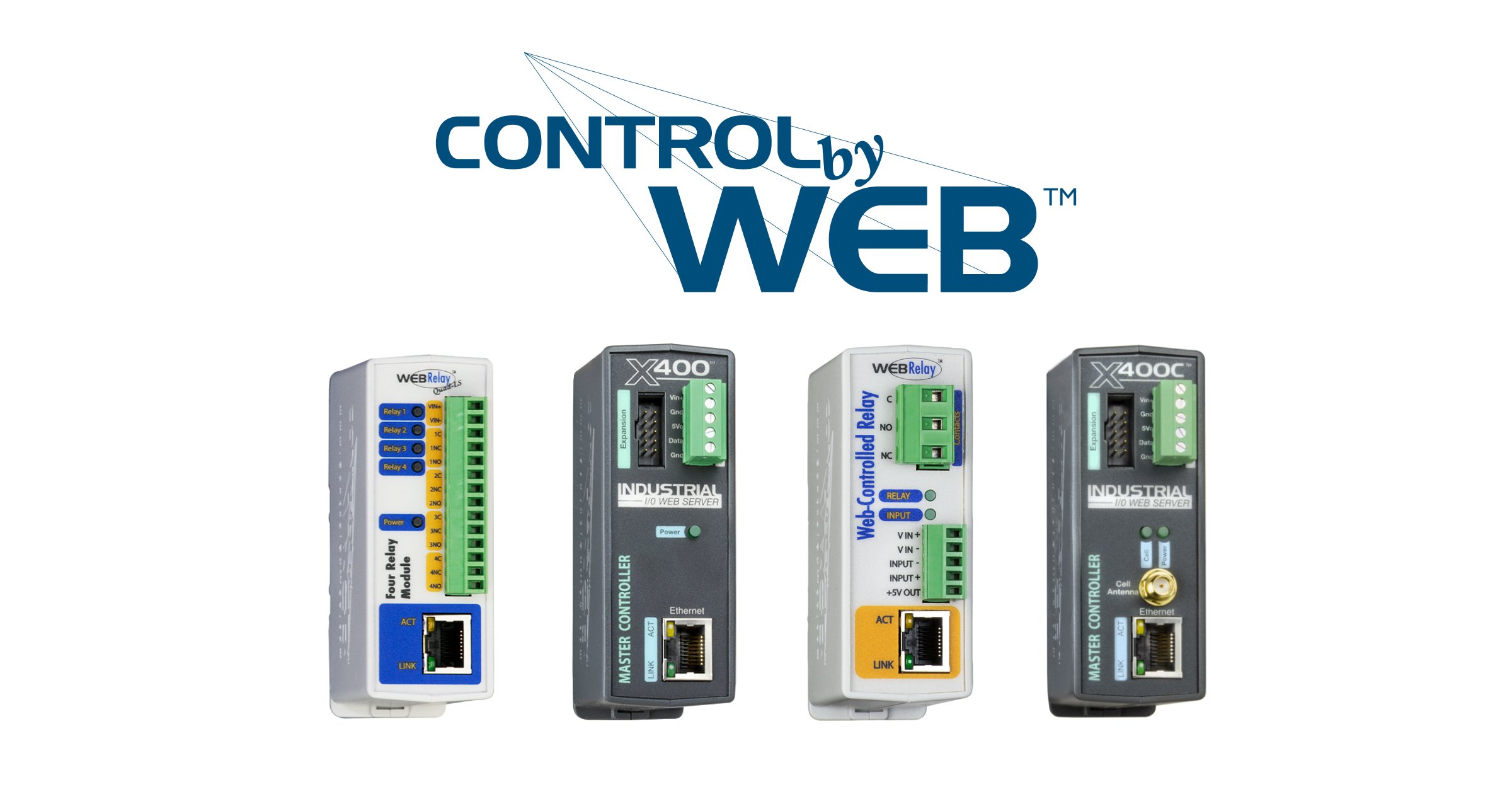
Overview
Seam provides a universal API to connect and control many brands of smart devices. This guide provides a rapid introduction to connecting and controlling your ControlByWeb relay device using the Seam API. To learn more about other smart device brands supported by Seam such as Yale, Schlage, and August, head over to our integration page.1 — Install Seam SDK
Seam provides client libraries for many languages, such as JavaScript, Python, Ruby, PHP, and others, as well as a Postman collection and OpenAPI spec.- JavaScript / TypeScript (npm, GitHub)
- Python (pip, GitHub)
- Ruby Gem (rubygem, GitHub)
- PHP (packagist, GitHub)
- C# (nuget, GitHub)
- JavaScript
- Python
- Ruby
- PHP
- C#
This guide uses a Sandbox Workspace. Only virtual devices can be connected. If
you need to connect a real ControlByWeb device, use a non-sandbox workspace
and API key.
2 — Link ControlByWeb Account with Seam
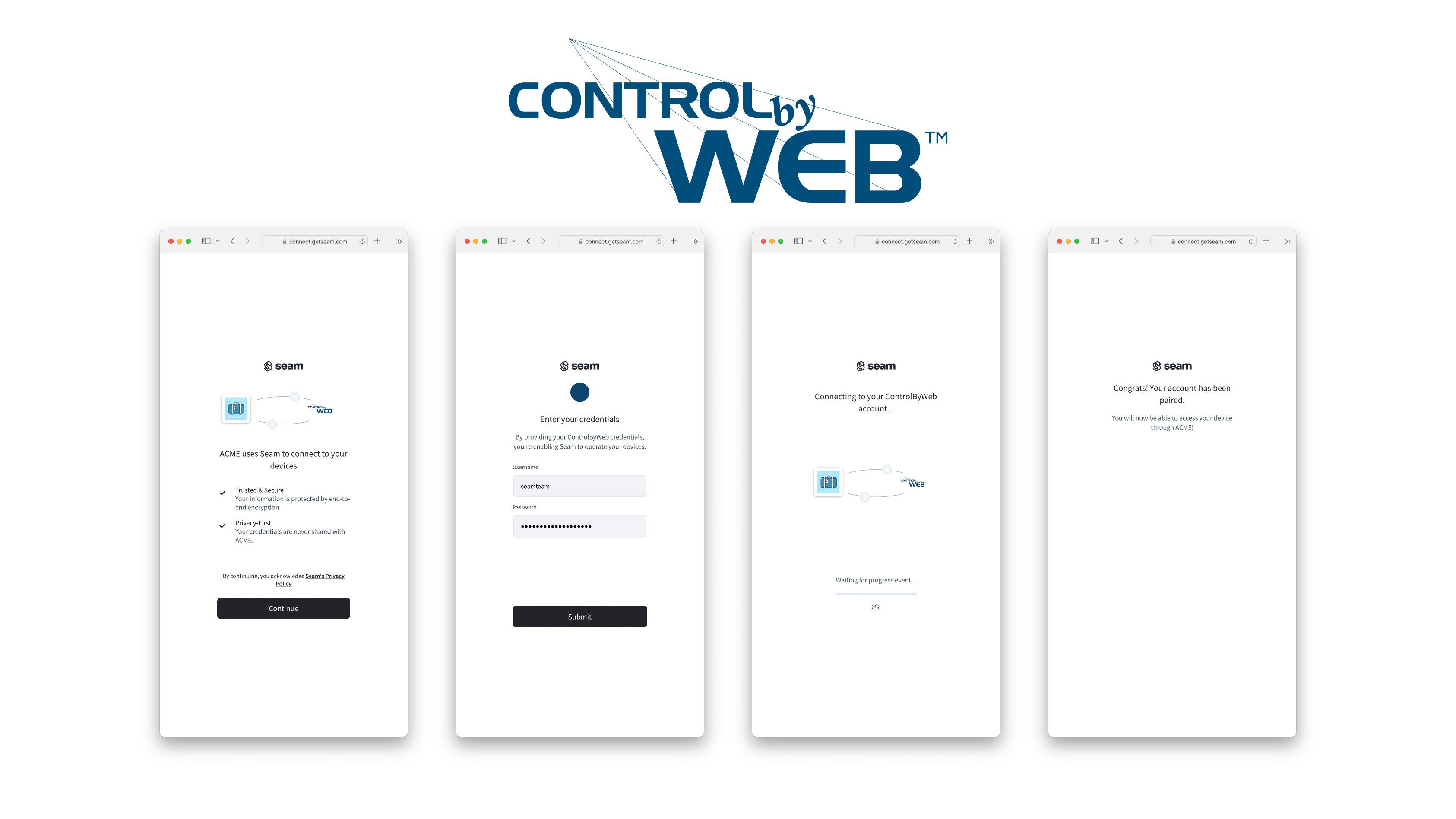
To control your ControlByWeb relay device via the Seam API, you must first authorize your Seam workspace against your ControlByWeb Cloud account. To do so, Seam provides Connect Webviews: pre-built UX flows that walk you through authorizing your application to control your ControlByWeb device.Request a Connect Webview
Authorize Your Workspace
Navigate to the URL returned by the Webview object. Since you are using a sandbox workspace, complete the login flow by entering the ControlByWeb sandbox test account credentials below:- username: jane
- password: 1234
3 — Retrieve ControlByWeb devices
After a ControlByWeb account is linked with Seam, you can retrieve devices for this ControlByWeb account. The main device property currently exposed by the Seam API is whether the device is online and reachable.Unlock a door
POST
https://connect.getseam.com/locks/unlock_door
Request Body
Next Steps
Now that you’ve completed this guide, you can try to connect a real ControlByWeb device. To do so, make sure to switch to a non-sandbox workspace and API key as real devices cannot be connected to sandbox workspaces. In addition, if you’d like to explore other aspects of Seam, here is a list of helpful resources:- Yale Getting Started Guide
- August Getting Started Guide
- Schlage Getting Started Guide
- SmartThings Getting Started Guide
- Minut Getting Started Guide
- Receiving webhook for device events
- Core Concepts