# Quick Start

## Step 1 — Connect Devices

To get started with Seam, first connect a set of devices.

1. In a web browser, go to [Seam Console](https://docs.seam.co/latest/~/revisions/DFdrUdS2jQOnbJTNDT5a/core-concepts/seam-console) at <https://console.seam.co/> and create an account.\
   Once you have logged in to Seam Console, you are working in the default [sandbox workspace](https://docs.seam.co/latest/~/revisions/DFdrUdS2jQOnbJTNDT5a/core-concepts/workspaces#sandbox-workspaces).
2. In the upper-right corner of the **Devices** page, click **Add Devices**.

   Seam Console displays an authorization flow (known as a [Connect Webview](https://docs.seam.co/latest/~/revisions/DFdrUdS2jQOnbJTNDT5a/core-concepts/connect-webviews)) that enables you to connect a device account to Seam.
3. In the Connect Webview, click **Continue**.
4. In the manufacturer list, select [**August**](https://august.com/).
5. When prompted, type the following sample (sandbox) credentials:
   * **Email:** `jane@example.com`
   * **Password:** `1234`
6. Click **Submit**.
7. When prompted for a two-factor authentication (2FA) method, select **Email**.
8. In the **Two Factor Code** field, type `123456` and then click **Submit and Continue**.

Once authorized, the devices associated with this test account appear in your workspace.

## Step 2 — Get an API Key and SDK

To control the devices that you connected in [Step 1](#step-1-connect-devices), you must create an API key and install the Seam SDK in the programming language of your choice.

### Create an API Key

1. In the top navigation pane of [Seam Console](https://console.seam.co/), click **Developer**.
2. In the left navigation pane, click **API Keys**.
3. In the upper-right corner of the **API Keys** page, click **Add API Key**.
4. In the **Add API Key** dialog, type a name for your new API key and then click **Create API Key**.
5. Copy the newly-created API key and store it for future use.

### Install the Seam SDK

Install one of the Seam SDKs in the programming language of your choice.

Seam provides client libraries for many languages, such as JavaScript, Python, Ruby, PHP, and others, as well as a Postman collection and [OpenAPI](https://connect.getseam.com/openapi.json) spec.

* JavaScript / TypeScript ([npm](https://www.npmjs.com/package/seam), [GitHub](https://github.com/seamapi/javascript))
* Python ([pip](https://pypi.org/project/seam/), [GitHub](https://github.com/seamapi/python))
* Ruby Gem ([rubygem](https://rubygems.org/gems/seam), [GitHub](https://github.com/seamapi/ruby))
* PHP ([packagist](https://packagist.org/packages/seamapi/seam), [GitHub](https://github.com/seamapi/php))
* Java ([GitHub](https://github.com/seamapi/java))
* C# ([nuget](https://www.nuget.org/packages/Seam), [GitHub](https://github.com/seamapi/csharp))
* Go ([GitHub](https://github.com/seamapi/go))

{% tabs %}
{% tab title="JavaScript" %}

```bash
npm i seam
```

{% endtab %}

{% tab title="Python" %}

```bash
pip install seam
# For some development environments, use pip3 in this command instead of pip.
```

{% endtab %}

{% tab title="Ruby" %}

```bash
bundle add seam
```

{% endtab %}

{% tab title="PHP" %}

```bash
composer require seamapi/seam
```

{% endtab %}

{% tab title="Java" %}
**Gradle:**

```gradle
// build.gradle
dependencies {
    implementation 'io.github.seamapi:java:0.x.x'
}
```

**Maven:**

```xml
<!-- pom.xml -->
<dependency>
    <groupId>io.github.seamapi</groupId>
    <artifactId>java</artifactId>
    <version>0.x.x</version>
</dependency>
```

{% endtab %}

{% tab title="C#" %}
Install using [nuget](https://www.nuget.org/packages/Seam).
{% endtab %}

{% tab title="Go" %}

```bash
go get github.com/seamapi/go
```

{% endtab %}
{% endtabs %}

## Step 3 — Unlock a Door

Unlock your first door!

To start, open a terminal window and export your API key as an environment variable.

```sh
$ export SEAM_API_KEY=seam_test2bMS_94SrGUXuNR2JmJkjtvBQDg5c
```

The Seam SDK that you have installed automatically uses this API key once you have exported it.

Next, use the following code to retrieve one of the devices that you connected in [Step 1](#step-1-connect-devices), inspect the supported capabilities of the device, and use the Seam API to unlock the door:

{% tabs %}
{% tab title="Python" %}
**Code:**

```python
from seam import Seam

seam = Seam()  # Seam automatically uses your exported SEAM_API_KEY.

# Retrieve all devices, filtered by manufacturer,
# which is one of several filters that list() supports.
all_august_locks = seam.devices.list(manufacturer="august")

# Select the first device as an example.
front_door = all_august_locks[0]

# Confirm that the device can remotely unlock.
# You're using a capability flag here!
if front_door.can_remotely_unlock:
  # Perform the unlock operation
  # and return an action attempt.
  action_attempt=seam.locks.unlock_door(device_id=front_door.device_id)
```

**Output:**

```
ActionAttempt(
  status='pending',
  action_type='UNLOCK_DOOR',
  action_attempt_id='11111111-2222-3333-4444-555555555555',
  result=None,
  error={}
)
```

{% endtab %}

{% tab title="cURL (bash)" %}
**Code:**

```bash
# Retrieve all devices, filtered by manufacturer, which is
# one of several filters that the list endpoint supports.
all_august_locks=$(
  # Use GET or POST.
  curl -X 'GET' \
    'https://connect.getseam.com/devices/list' \
    -H 'accept: application/json' \
    -H "Authorization: Bearer ${SEAM_API_KEY}" \
    -H 'Content-Type: application/json' \
    -d '{
    "manufacturer": "august"
  }')

# Select the first device as an example.
front_door=$(jq -r '.devices[0]' <<< ${all_august_locks})

# Confirm that the device can remotely unlock.
# You're using a capability flag here!
if  $(jq -r '.can_remotely_lock' <<< ${front_door}); then \
  # Perform the unlock operation
  # and return an action attempt.
  curl -X 'POST' \
    'https://connect.getseam.com/locks/unlock_door' \
    -H 'accept: application/json' \
    -H "Authorization: Bearer ${SEAM_API_KEY}" \
    -H 'Content-Type: application/json' \
    -d "{
      \"device_id\": \"$(jq -r '.device_id' <<< ${front_door})\"
  }";
fi
```

**Output:**

```json
{
  "action_attempt": {
    "status":"pending",
    "action_type":"UNLOCK_DOOR",
    "action_attempt_id":"11111111-2222-3333-4444-555555555555",
    "result":null,
    "error":null
  },
  "ok":true
}
```

{% endtab %}

{% tab title="JavaScript" %}
**Code:**

```javascript
import { Seam } from "seam";

const seam = new Seam(); // Seam automatically uses your exported SEAM_API_KEY.

// Retrieve all devices, filtered by manufacturer,
// which is one of several filters that list() supports.
const allAugustLocks = await seam.devices.list({manufacturer: "august"});

// Select the first device as an example.
const frontDoor = allAugustLocks[0];

// Confirm that the device can remotely unlock.
// You're using a capability flag here!
if (frontDoor.can_remotely_unlock) {
  // Perform the unlock operation
  // and return an action attempt.
  const actionAttempt = await seam.locks.unlockDoor({
    device_id: frontDoor.device_id
  });
};
```

**Output:**

```json
{
  actionAttempt: {
    status: 'success',
    action_attempt_id: '11111111-2222-3333-4444-555555555555',
    action_type: 'UNLOCK_DOOR',
    result: {},
    error: null
  }
}
```

{% endtab %}

{% tab title="Ruby" %}
**Code:**

```ruby
require "seam"

seam = Seam.new() # Seam automatically uses your exported SEAM_API_KEY.

# Retrieve all devices, filtered by manufacturer,
# which is one of several filters that list() supports.
all_august_locks = seam.devices.list(manufacturer: "august")

# Select the first device as an example.
front_door = all_august_locks[0]

# Confirm that the device can remotely unlock.
# You're using a capability flag here!
if (front_door.can_remotely_unlock)
  # Perform the unlock operation
  # and return an action attempt.
  action_attempt = seam.locks.unlock_door(device_id: front_door.device_id)
end
```

**Output:**

```
<Seam::ActionAttempt:0x00438
  status="pending"
  action_type="UNLOCK_DOOR"
  action_attempt_id="11111111-2222-3333-4444-555555555555"
  result=nil>
```

{% endtab %}

{% tab title="PHP" %}
**Code:**

```php
<?php
require 'vendor/autoload.php';

$seam = new Seam\SeamClient(); // Seam automatically uses your exported SEAM_API_KEY.

// Retrieve all devices, filtered by manufacturer,
// which is one of several filters that list() supports.
$all_august_locks = $seam->devices->list(manufacturer: "august");

// Select the first device as an example.
$front_door = $all_august_locks[0];

// Confirm that the device can remotely unlock.
// You're using a capability flag here!
if ($front_door->can_remotely_unlock) {
  // Perform the unlock operation
  // and return an action attempt.
  $action_attempt = $seam->locks->unlock_door(device_id: $front_door->device_id);
}
```

**Output:**

```json
{
  "action_attempt_id":"11111111-2222-3333-4444-555555555555",
  "action_type":"UNLOCK_DOOR",
  "error":null,
  "result":{},
  "status":"success"
}
```

{% endtab %}

{% tab title="C#" %}
**Code:**

```csharp
using Seam.Client;

var seam = new SeamClient(apiToken: SEAM_API_KEY);

// Retrieve all devices, filtered by manufacturer,
// which is one of several filters that list() supports.
var allAugustLocks = seam.Devices.List(
  manufacturer: Seam.Api.Devices.ListRequest.ManufacturerEnum.August
);

// Select the first device as an example.
Device frontDoor = allAugustLocks[0];

// Confirm that the device can remotely unlock.
// You're using a capability flag here!
if (frontDoor.CanRemotelyUnlock == true) {
  // Perform the unlock operation
  // and return an action attempt.
  ActionAttempt actionAttempt = seam.Locks.UnlockDoor(deviceId: frontDoor.DeviceId);
}
```

**Output:**

```json
{
  "status": "pending",
  "action_type": "UNLOCK_DOOR",
  "action_attempt_id": "11111111-2222-3333-4444-555555555555"
}
```

{% endtab %}

{% tab title="Java" %}
**Code:**

```java
import java.io.Console;
import java.util.*;
import com.fasterxml.jackson.annotation.*;
import com.fasterxml.jackson.databind.annotation.JsonDeserialize;
import com.seam.api.Seam;
import com.seam.api.core.ObjectMappers;
import com.seam.api.types.Device;
import com.seam.api.types.Manufacturer;
import com.seam.api.types.ActionAttempt;
import com.seam.api.resources.devices.requests.DevicesListRequest;
import com.seam.api.resources.locks.requests.LocksUnlockDoorRequest;

public class Main {

  public static void main(String[] args) {

    Seam seam = Seam.builder()
      .apiKey(SEAM_API_KEY)
      .build();

    // Retrieve all devices, filtered by manufacturer,
    // which is one of several filters that list() supports.
    var allAugustLocks = seam.devices().list(DevicesListRequest.builder()
      .manufacturer(Manufacturer.AUGUST)
      .build());
    
    // Select the first device as an example.
    Device frontDoor = allAugustLocks.get(0);
    
    // Confirm that the device can remotely unlock.
    // You're using a capability flag here!
    if (frontDoor.getCanRemotelyUnlock())
    {
      // Perform the unlock operation
      // and return an action attempt.
      ActionAttempt actionAttempt = seam.locks()
        .unlockDoor(LocksUnlockDoorRequest.builder()
          .deviceId(frontDoor.getDeviceId())
          .build());
    }
  }
}
```

**Output:**

```json
Optional[
  {
    "action_type" : "UNLOCK_DOOR",
    "action_attempt_id" : "11111111-2222-3333-4444-555555555555",
    "status" : "pending"
  }
]
```

{% endtab %}

{% tab title="Go" %}
**Code:**

```go
package main

import (
  "context"
  "fmt"
  "os"

  api "github.com/seamapi/go"
  seam "github.com/seamapi/go/client"
)

func main() {
  if err := run(); err != nil {
    _, _ = fmt.Fprintln(os.Stderr, err.Error())
    os.Exit(1)
  }
}

func run() error {
  client := seam.NewClient(
    seam.WithApiKey(SEAM_API_KEY),
  )
  
  // Retrieve all devices, filtered by manufacturer,
  // which is one of several filters that list() supports.
  allAugustLocks, err := client.Devices.List(
    context.Background(), &api.DevicesListRequest{
      Manufacturer: api.ManufacturerAugust.Ptr(),
    },
  )
  
  // Select the first device as an example.
  frontDoor := allAugustLocks[0]
  
  if err != nil {
    return err
  }

  // Confirm that the device can remotely unlock.
  // You're using a capability flag here!
  if *frontDoor.CanRemotelyUnlock {
    // Perform the unlock operation.
    actionAttempt, err := client.Locks.UnlockDoor(
      context.Background(),
      &api.LocksUnlockDoorRequest{
        DeviceId: frontDoor.DeviceId,
      },
    )
  
    if err != nil {
      return err
    }
  }
  
  return nil
}
```

**Output:**

```json
&{pending <nil>
  {
    "status": "pending",
    "action_type": "UNLOCK_DOOR",
    "action_attempt_id": "11111111-2222-3333-4444-555555555555",
    "result": null,
    "error": null
  }
<nil>} <nil>
```

{% endtab %}
{% endtabs %}

## Congrats! :tada:

Now that you have completed the Seam API Quick Start, you are well on your way to writing code that can actually control the physical world! :sunglasses:

Here are some ideas of what you can do next...

### Connect a Real Device

If you have a real device, you can try to control it using the steps in this Quick Start. Note that you must first [create a production workspace](https://docs.seam.co/latest/~/revisions/DFdrUdS2jQOnbJTNDT5a/go-live#create-a-production-workspace) because sandbox workspaces only enable you to connect test accounts and devices. For more information, see [Workspaces](https://docs.seam.co/latest/~/revisions/DFdrUdS2jQOnbJTNDT5a/core-concepts/workspaces).

### Connect Users' Devices

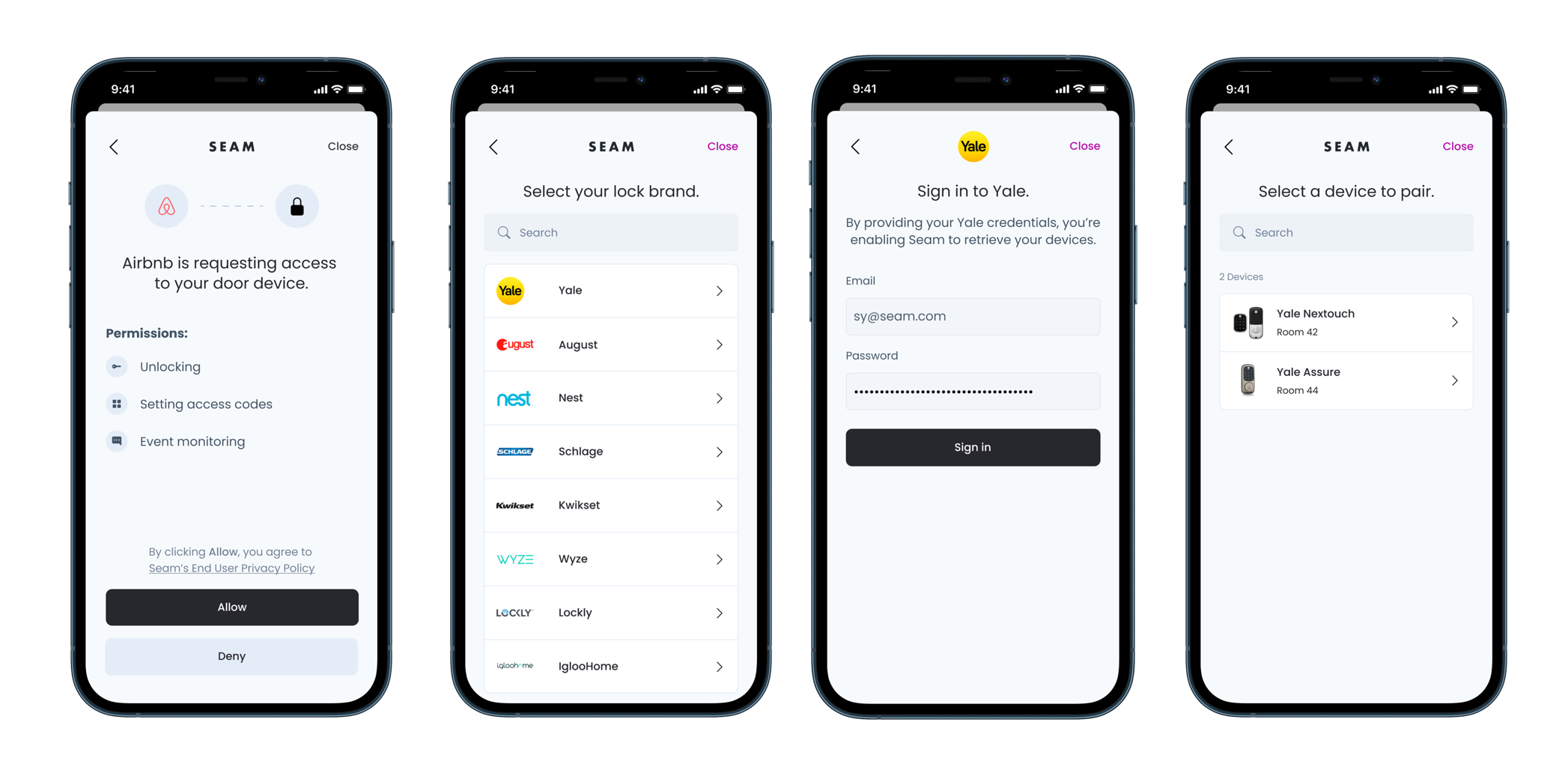
If you are creating an app to control your users' devices, see [Connect Webviews](https://docs.seam.co/latest/~/revisions/DFdrUdS2jQOnbJTNDT5a/core-concepts/connect-webviews). Seam Connect Webviews are fully-embedded client-side components that you add to your app if you want to enable your users to import their own devices using your app. Your users interact with your embedded Connect Webviews to link their IoT device accounts to Seam through your app. That is, Connect Webviews walk your users through the process of logging in to their device accounts. Seam handles all the authentication steps, and—once your user has completed the authorization through your app—you can access and control their devices using the Seam API.

<figure><img src="https://2727122207-files.gitbook.io/~/files/v0/b/gitbook-x-prod.appspot.com/o/spaces%2FxnN2A67918om1UthYWsF%2Fuploads%2Fgit-blob-557ed131fe314b9aedc75ed37d75a2337aa122db%2FSeam%20Connect.png?alt=media" alt="Use Connect Webviews to enable your users to authorize your app to control their devices."><figcaption></figcaption></figure>

### Learn about Devices and Capabilities

Seam supports many device categories. Each device can be broken down into [device capabilities](https://docs.seam.co/latest/~/revisions/DFdrUdS2jQOnbJTNDT5a/capability-guides/device-and-system-capabilities). A capability indicates what the device can do, what properties it has, and what events it emits. To learn more about specific capabilities, such as access codes or thermostats, see the following guides:

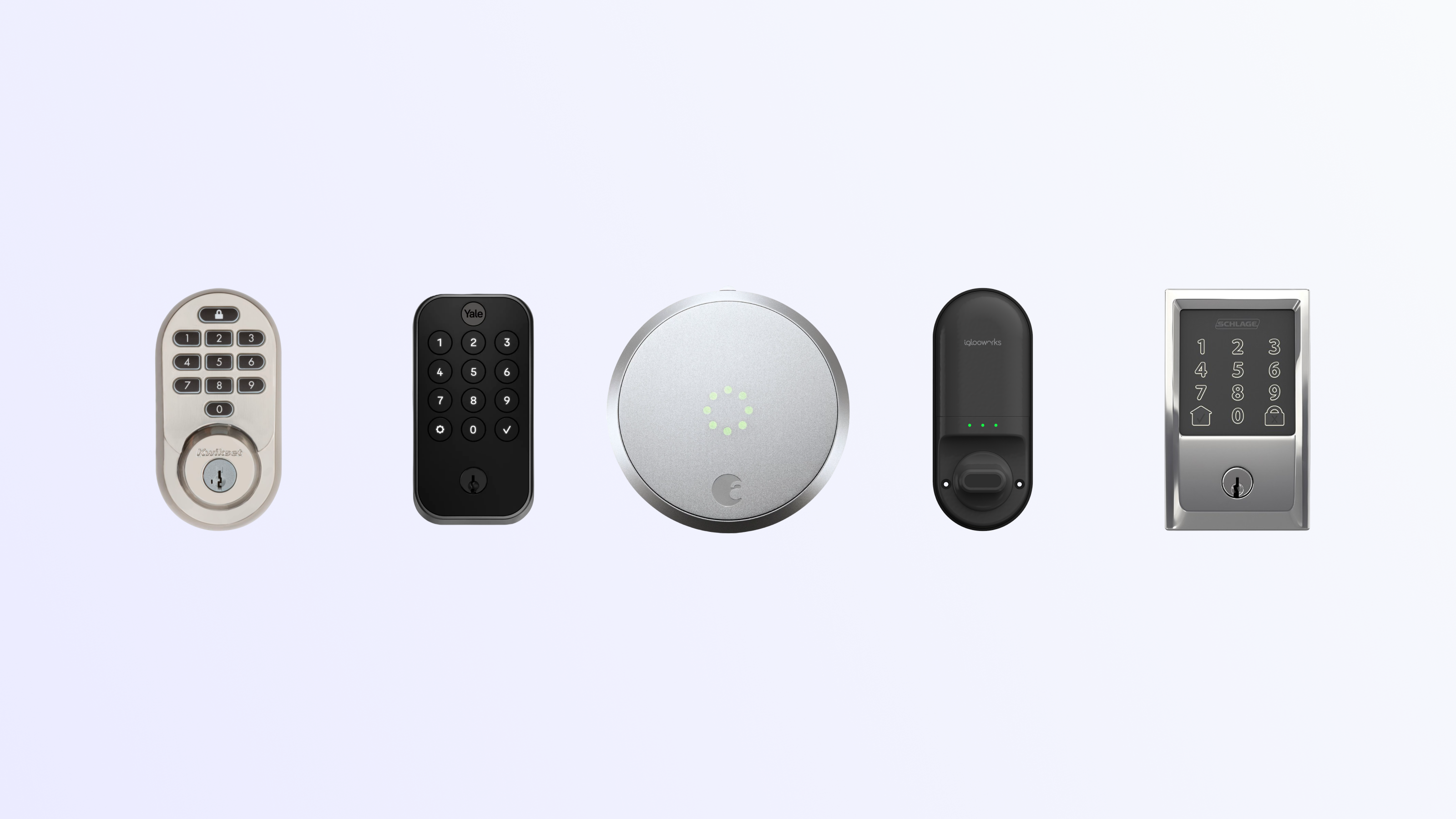
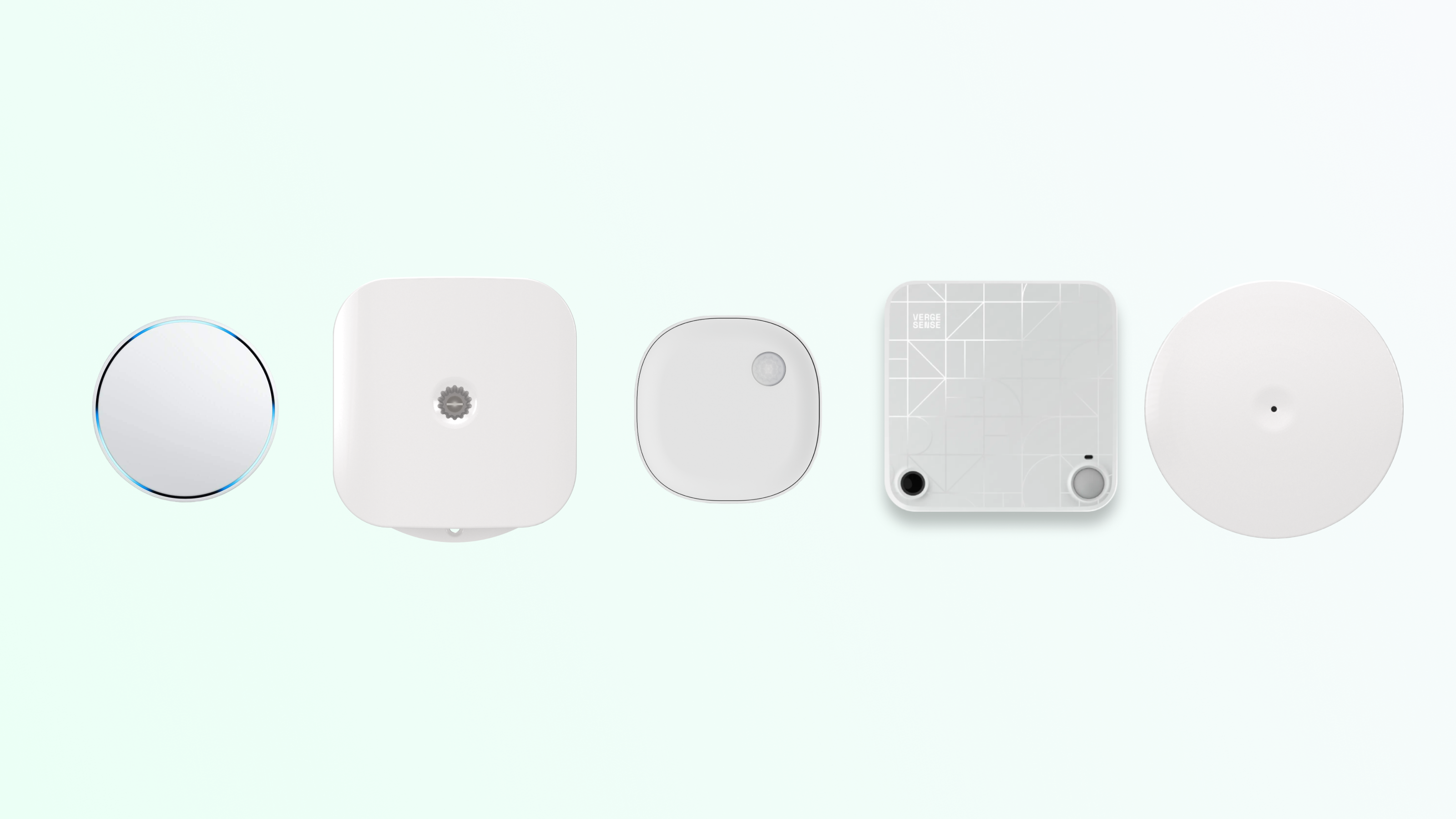
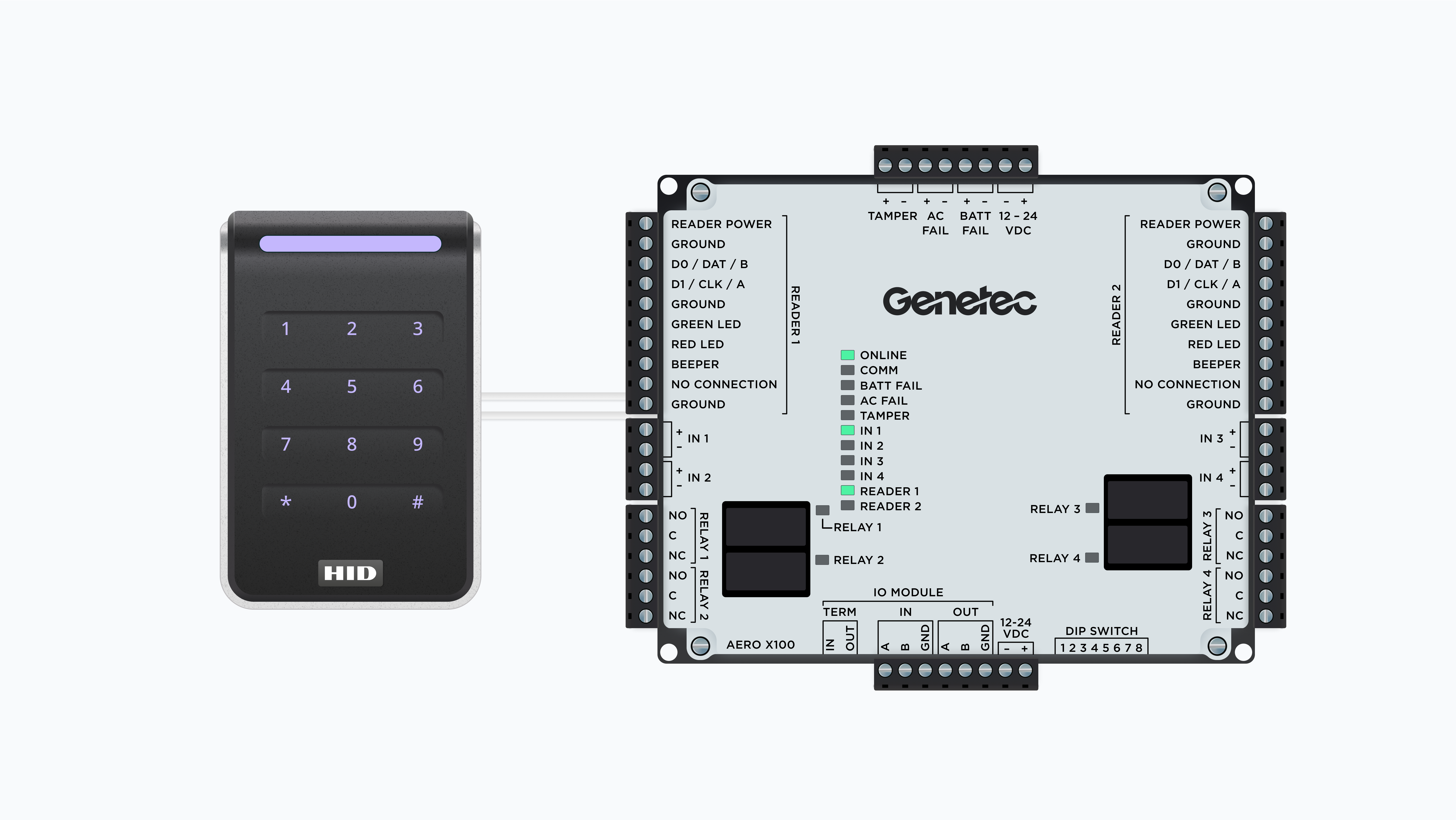
<table data-card-size="large" data-view="cards"><thead><tr><th></th><th></th><th data-hidden data-card-cover data-type="files"></th><th data-hidden><select></select></th><th data-hidden data-card-target data-type="content-ref"></th></tr></thead><tbody><tr><td><strong>Door Locks API</strong></td><td>Get started →</td><td><a href="https://2727122207-files.gitbook.io/~/files/v0/b/gitbook-x-prod.appspot.com/o/spaces%2FxnN2A67918om1UthYWsF%2Fuploads%2Fgit-blob-97527f0723dca4c0b1bcede857686c78b59d0b55%2Fsmart-locks-16-9.png?alt=media">smart-locks-16-9.png</a></td><td></td><td><a href="capability-guides/smart-locks">smart-locks</a></td></tr><tr><td><strong>Thermostats API</strong></td><td>Get started →</td><td></td><td></td><td><a href="capability-guides/thermostats">thermostats</a></td></tr><tr><td><strong>Noise</strong> <strong>Sensors API</strong></td><td>Get started →</td><td><a href="https://2727122207-files.gitbook.io/~/files/v0/b/gitbook-x-prod.appspot.com/o/spaces%2FxnN2A67918om1UthYWsF%2Fuploads%2Fgit-blob-3d31f13ee94c9fc4dbc5604ad4c38251af579ebf%2Fsensors-16-9.png?alt=media">sensors-16-9.png</a></td><td></td><td><a href="capability-guides/noise-sensors">noise-sensors</a></td></tr><tr><td><strong>Access Control Systems API</strong></td><td>Get started →</td><td><a href="https://2727122207-files.gitbook.io/~/files/v0/b/gitbook-x-prod.appspot.com/o/spaces%2FxnN2A67918om1UthYWsF%2Fuploads%2F1TR0tOwqjyRUbGXxluUf%2Facs-cover.png?alt=media&#x26;token=f05424df-2a30-4c57-83fa-8f9370a9b8fd">acs-cover.png</a></td><td></td><td><a href="capability-guides/access-systems">access-systems</a></td></tr></tbody></table>