> ## Documentation Index
> Fetch the complete documentation index at: https://docs.seam.co/llms.txt
> Use this file to discover all available pages before exploring further.
# Connect an Access System to Seam
> Learn how to connect your access system to Seam.
You can use [Seam Console](/core-concepts/seam-console/index) or the [Seam API](/api/connect_webviews/object) to connect your access system to Seam. You use a [Connect Webview](/core-concepts/connect-webviews/index) to authorize the connection.
## Connect an Access System Using Seam Console
1. Log in to [Seam Console](https://console.seam.co/).
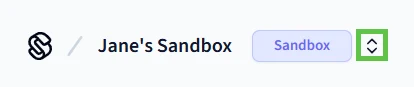
2. In the upper-left corner, click the workspace switcher and select or create a [workspace](/core-concepts/workspaces/index).
To connect a real access system to Seam, use a production workspace. To use one of Seam's [virtual access systems](/device-and-system-integration-guides), use a [sandbox workspace](/core-concepts/workspaces/index#sandbox-workspaces).
 3. In the top navigation pane, click **ACS Systems**.
4. On the **Access Systems** page, click **New Access System**.
Seam Console displays a Connect Webview that enables you to connect your access system to Seam.
5. In the Connect Webview, follow the prompts to authorize the connection.
3. In the top navigation pane, click **ACS Systems**.
4. On the **Access Systems** page, click **New Access System**.
Seam Console displays a Connect Webview that enables you to connect your access system to Seam.
5. In the Connect Webview, follow the prompts to authorize the connection.
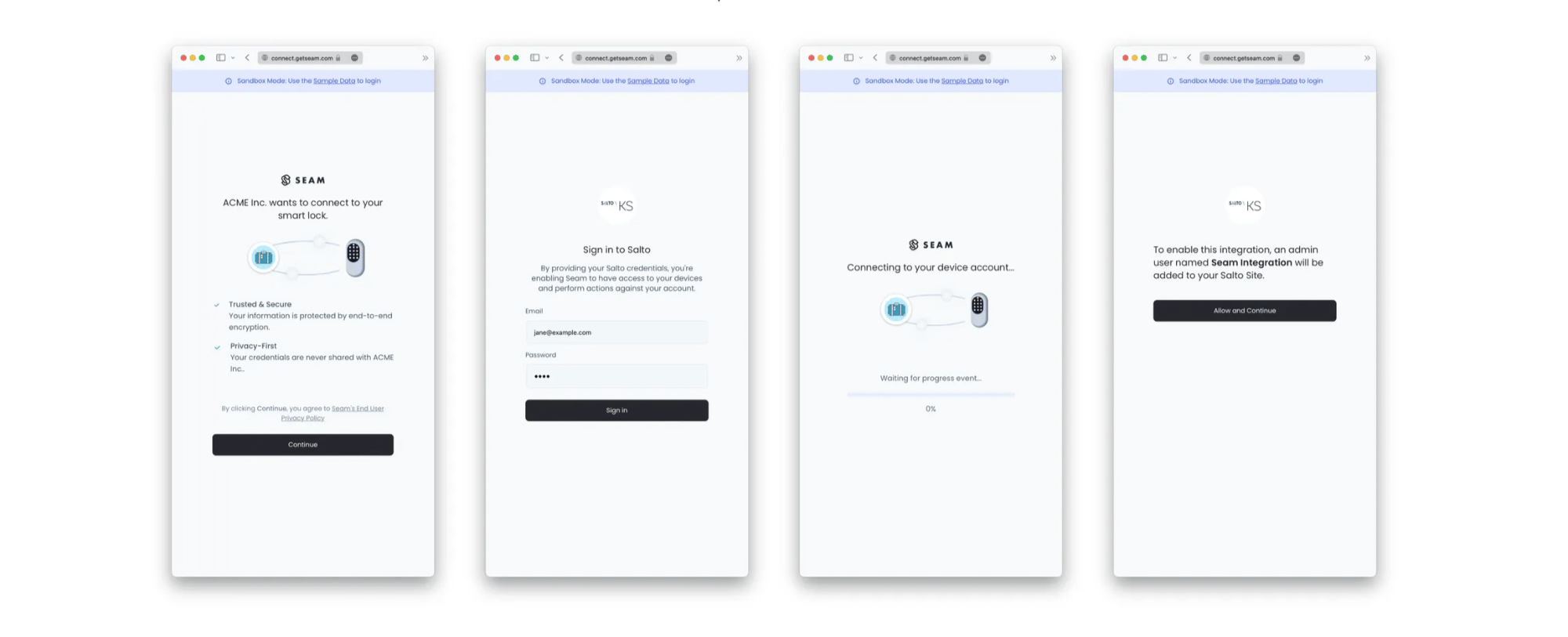 If you want to connect a virtual access system to a sandbox workspace, use the corresponding [sandbox access system credentials](/developer-tools/test-accounts).
To connect a real access system, see the [system integration guide](/device-and-system-integration-guides#access-control-systems) for your ACS to learn any brand- or system-specific prerequisites, requirements, and restrictions.
The **Access Systems** page now displays the newly-connected access control system.
***
## Connect an Access System Using the Seam API
First, use the Seam API to [create a Connect Webview](/api/connect_webviews/create). Then, display this Connect Webview to your user. You user completes the Connect Webview to authorize the access system connection to Seam.
For detailed instructions, see [Connect Webview Process](../../../core-concepts/connect-webviews/connect-webview-process).
If you want to connect a virtual access system to a sandbox workspace, use the corresponding [sandbox access system credentials](/developer-tools/test-accounts).
To connect a real access system, see the [system integration guide](/device-and-system-integration-guides#access-control-systems) for your ACS to learn any brand- or system-specific prerequisites, requirements, and restrictions.
The **Access Systems** page now displays the newly-connected access control system.
***
## Connect an Access System Using the Seam API
First, use the Seam API to [create a Connect Webview](/api/connect_webviews/create). Then, display this Connect Webview to your user. You user completes the Connect Webview to authorize the access system connection to Seam.
For detailed instructions, see [Connect Webview Process](../../../core-concepts/connect-webviews/connect-webview-process).