> ## Documentation Index
> Fetch the complete documentation index at: https://docs.seam.co/llms.txt
> Use this file to discover all available pages before exploring further.
# Delivering Instant Keys
> Learn how to deliver Instant Keys to your users, through text, email, or your own app.
After creating an Access Grant that includes a mobile key through the Seam API or creating an Instant Key through Seam Console, Seam returns the shareable `instant_key_url` as a property of the new Access Grant. This URL is the Instant Key. You can deliver this key in the following ways, to best match your product flow and guest experience:
* [Share through SMS or email.](#share-through-sms-or-email)
* [Embed in a web or mobile app.](#embed-in-a-web-or-mobile-app)
***
## Share through SMS or Email
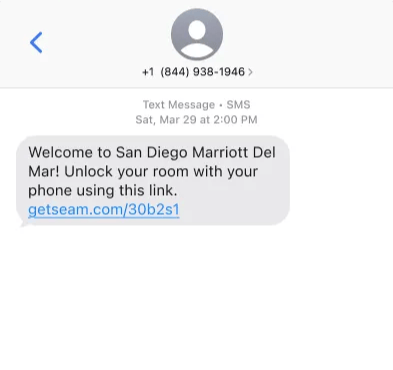
For most use cases—such as hotels, self-touring, and contractors—the simplest way to deliver an Instant Key is by using a link in a text message or email.
This method works well if you already collect the guest's phone number or email at booking.
 ***
## Embed in a Web or Mobile App
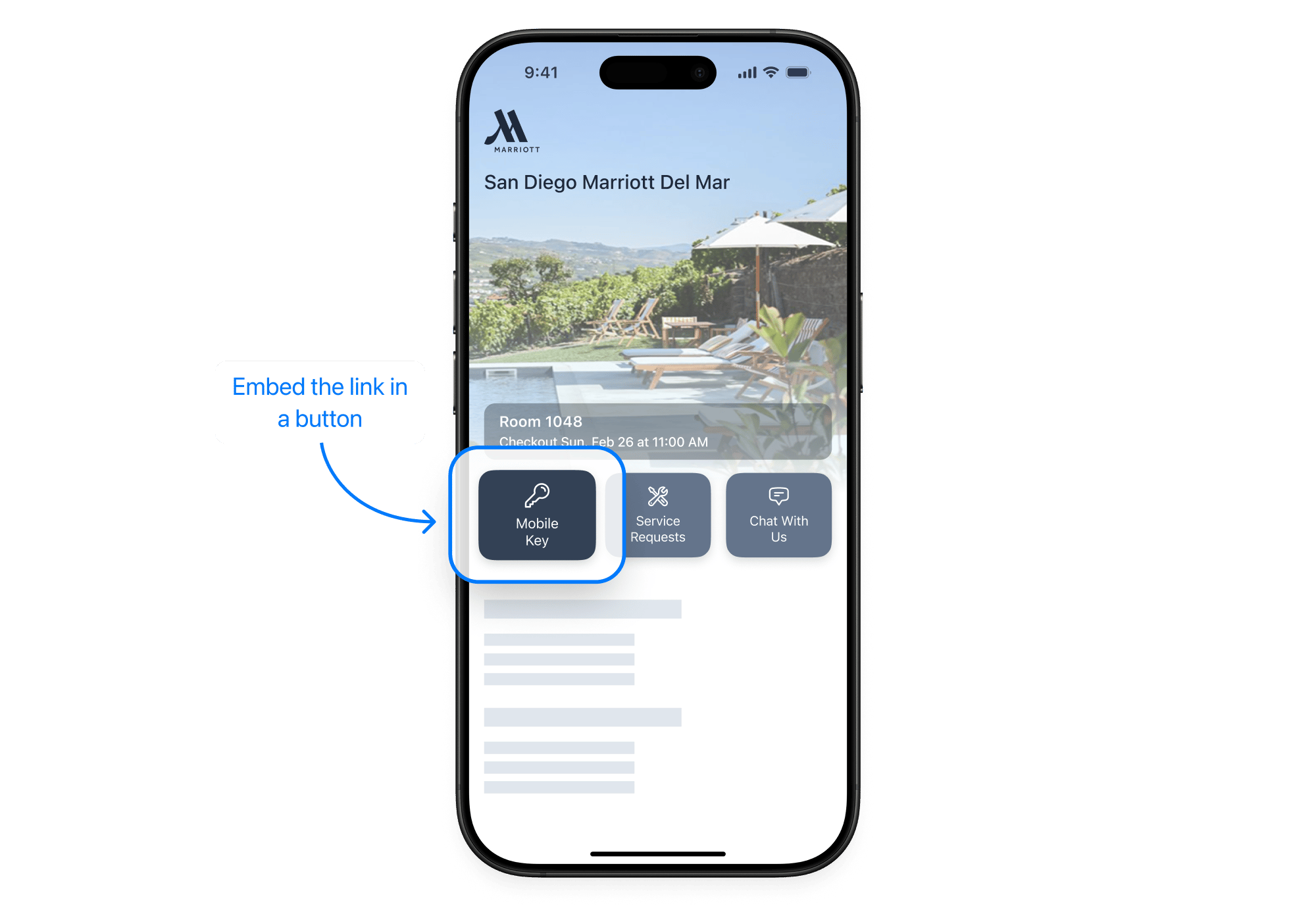
If you have a guest-facing web app or booking portal, you can embed the Instant Key directly in your interface. For example, you could show it in a reservation detail page or check-in flow with a **Mobile Key** or **Unlock Door** button.
***
## Embed in a Web or Mobile App
If you have a guest-facing web app or booking portal, you can embed the Instant Key directly in your interface. For example, you could show it in a reservation detail page or check-in flow with a **Mobile Key** or **Unlock Door** button.