> ## Documentation Index
> Fetch the complete documentation index at: https://docs.seam.co/llms.txt
> Use this file to discover all available pages before exploring further.

# Customer Portals

> Allow your customers to manage their own devices and systems.

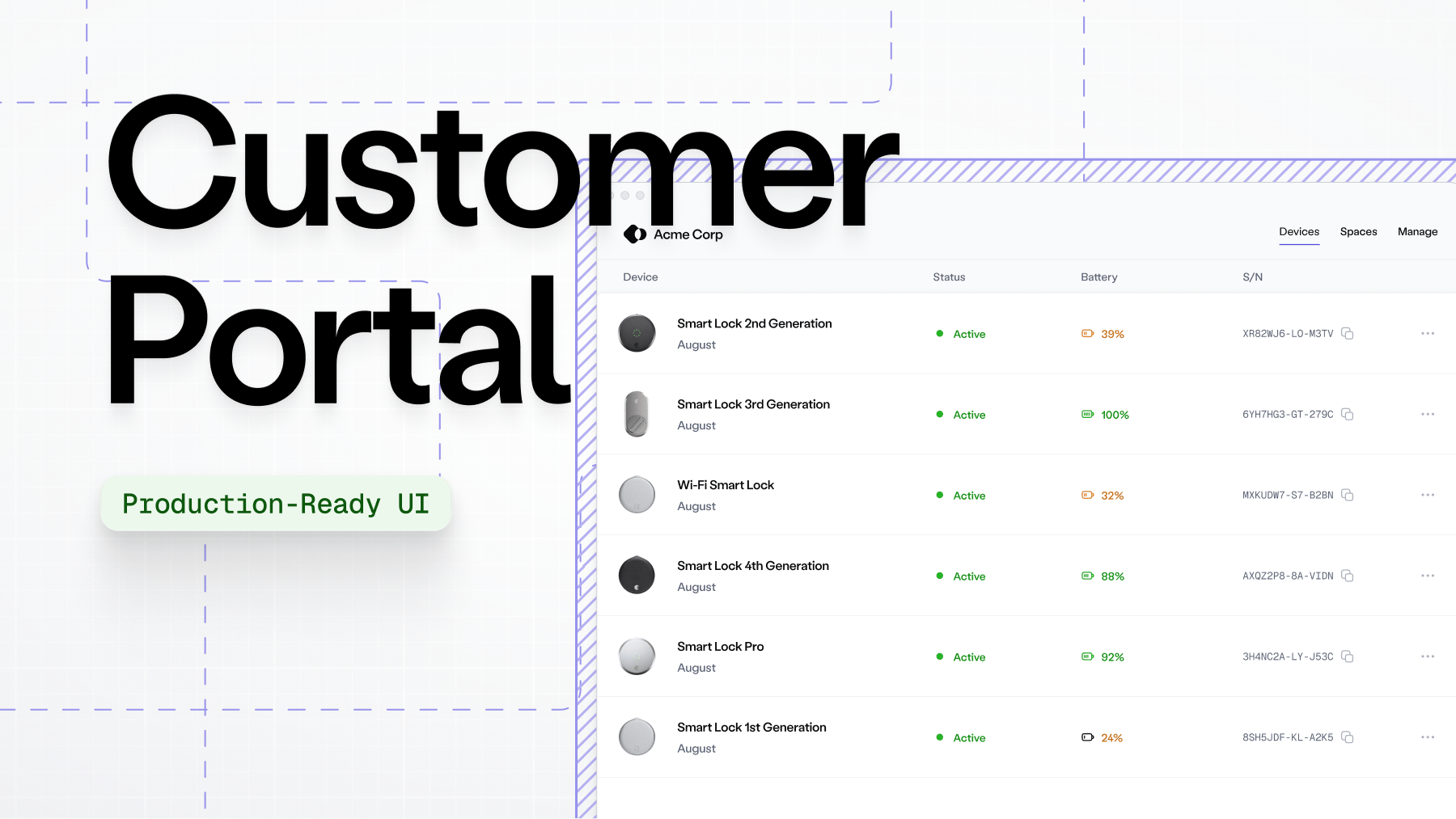
<img src="https://mintcdn.com/seam/d6yLSFlGuXxmvz_6/images/new-doc-cover.png?fit=max&auto=format&n=d6yLSFlGuXxmvz_6&q=85&s=d3980f23a9eb449db3a328ce0d152c89" alt="" width="1800" height="1013" data-path="images/new-doc-cover.png" />

Provide self-service functions to your customers by setting up a customer portal. You can configure it entirely in the Console, or use our API to automate generating the portal.

You can extend the portal experience with [Seam access and climate automations](../reservation-automations). When a customer books a stay, reserves a gym slot, or schedules a visit, automations automatically issue and revoke access or adjust climate settings. You create and manage them in the Console.

### Get started with the customer portal

<CardGroup cols={2}>
  <Card title="Preview customer portal in ConsoleTry out Customer Portals in the Console. Links here expire after 7 days." href="/capability-guides/customer-portals/preview-the-customer-portal-in-console" img="https://mintcdn.com/seam/Ba5lfEwCE6arVorG/images/image-(1)-(1).png?fit=max&auto=format&n=Ba5lfEwCE6arVorG&q=85&s=bc53d0ad1fcc514aaf8cbfcc7650cda1" width="500" height="296" data-path="images/image-(1)-(1).png" />

  <Card title="Integrate customer portal into your applicationGenerate Customer Portals programmatically for production use." href="/capability-guides/customer-portals/integrate-customer-portal-into-your-application" img="https://mintcdn.com/seam/H96jOW_ZJ5A7VZhZ/images/image-(2).png?fit=max&auto=format&n=H96jOW_ZJ5A7VZhZ&q=85&s=1ef2b7a6a93b461bb56a28a0a6c3df94" width="500" height="296" data-path="images/image-(2).png" />
</CardGroup>

***

### Customer portal features

A customer portal allows your customers to self-manage connecting devices, manage their devices, and handle day-to-day management in one place.

<table>
  <thead>
    <tr>
      <th width="206.46875">Feature</th>
      <th>Description</th>
    </tr>
  </thead>

  <tbody>
    <tr>
      <td>Customer management</td>

      <td>
        <p>
          Offer your customers a self-serve method to:

          <br />

          <i class="fa-hyphen">:hyphen:</i> Connect existing smart lock,
          thermostat, or access control accounts

          <br />

          <i class="fa-hyphen">:hyphen:</i> Organize devices to match their
          property structure

          <br />

          <i class="fa-hyphen">:hyphen:</i> Manage and troubleshoot their
          devices
        </p>

        <p>
          <i class="fa-hyphen">:hyphen:</i> Control Access or Climate features
          that you’ve configured for them.
        </p>
      </td>
    </tr>

    <tr>
      <td>Interoperability</td>

      <td>
        Works seamlessly with other Seam products, including Access and Climate.
      </td>
    </tr>

    <tr>
      <td>Customized branding</td>

      <td>
        Configure the portal with your branding, including your logo, colors,
        and business information.
      </td>
    </tr>

    <tr>
      <td>Ephemeral sessions</td>

      <td>
        Portal sessions are temporary. New portal sessions expire after 7 days
        period. They should be regenerated every time a customer needs to access
        the portal, whether from a new browser, a new device, or after the
        previous session has expired.
      </td>
    </tr>
  </tbody>
</table>

***
